> For the complete documentation index, see [llms.txt](https://docs.consentik.com/llms.txt). Markdown versions of documentation pages are available by appending `.md` to page URLs; this page is available as [Markdown](https://docs.consentik.com/consentik-gdpr-cookie-banner-for-shopline/settings/banner-behavior-customization.md).
# Banner Behavior Customization
Consentik GDPR Cookie Banner on SHOPLINE not only lets you control the look and content of your cookie banner, but also how it behaves and interacts with your website visitors. Tailor the user experience with a range of behavior settings designed to boost transparency and engagement.
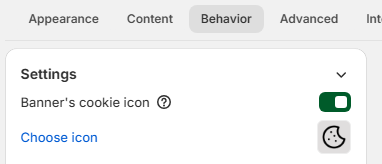
#### Show Cookie Icon on Banner
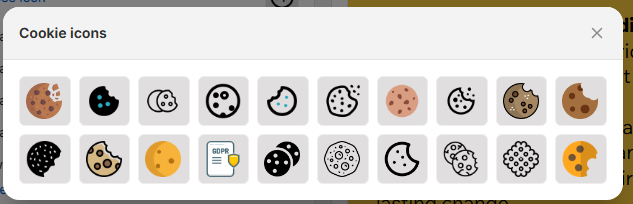
Add a visual touch to your cookie banner by displaying a cookie icon. You can choose your favorite icon directly from the built-in gallery, making your banner more attractive and instantly recognizable to users.
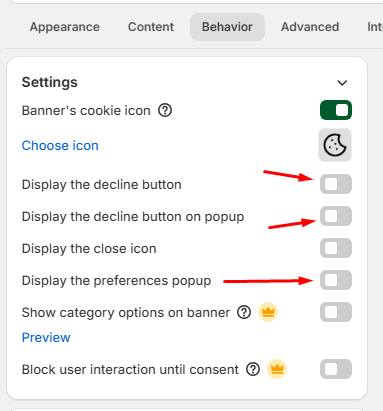
#### Display Decline and Preferences Buttons
* **Show Decline Button**: Give users a clear and easy way to refuse non-essential cookies. Enabling the decline button helps you stay transparent and user-friendly.
* **Show Preferences Button**: Allow visitors to quickly access cookie settings and manage their preferences with a single click, right from the banner.
#### Show Close Icon
You can choose to display a close (X) icon on your cookie banner. This gives users the option to temporarily dismiss the banner, making their browsing experience less disruptive while still complying with privacy requirements.
#### Quick Cookie Category Selection
Make it simple and efficient for users to manage their consent:
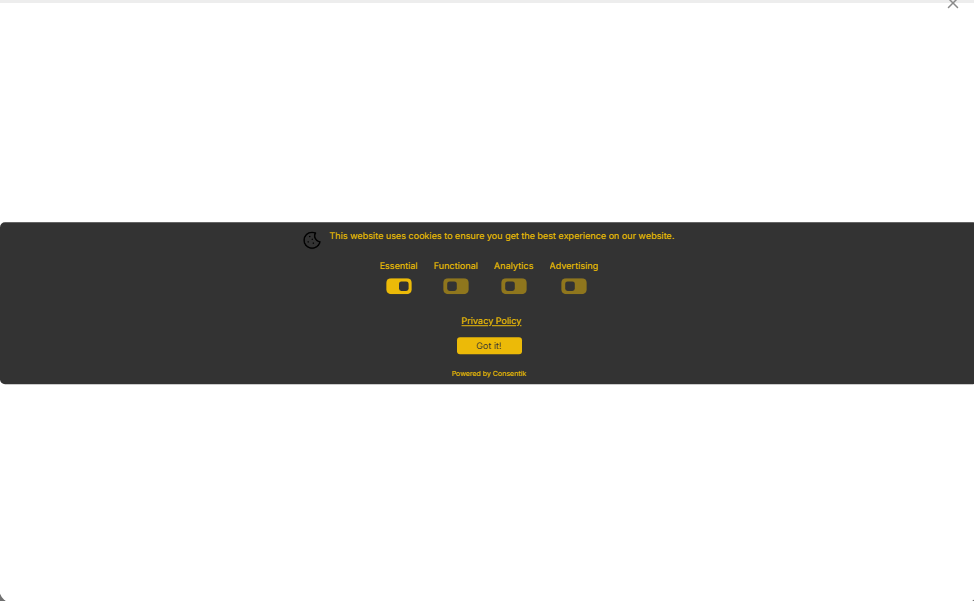
* **Show Cookie Categories on Banner**: Display cookie categories (e.g., Essential, Analytics, Marketing) directly on the banner, so visitors can instantly choose which types of cookies they want to allow or reject—no need to open a separate popup.
***
**With Consentik, you’re in control of every interaction—making your cookie banner more user-friendly, transparent, and compliant with privacy laws.**